
Ready. Set. Flow.
Built for speed.
Built for distance.
Dictation for builders that turns speech into clear writing in every app.
Why speak
Faster than the keyboard.
Speak instead of typing. Roughly three times the words per minute - and the text lands where you’re already working.
Keyboard
~45wpm
Typical typing
Speak
~135wpm
Spoken pace
How it works
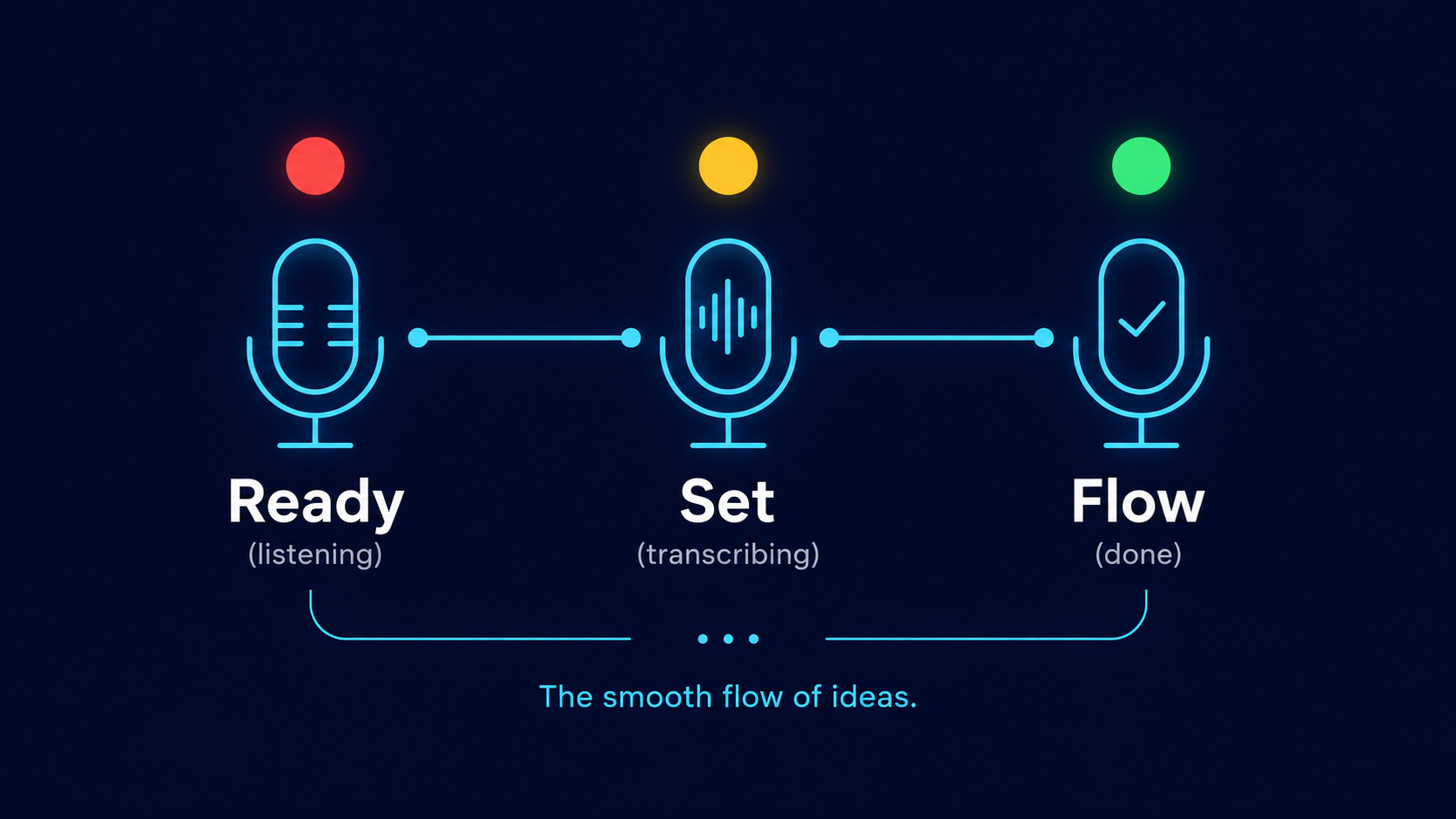
Hold. Speak. Release.
Hold a hotkey and speak. Words appear as you go - even on long takes. The overlay shows listening, finishing, and done.

Use it anywhere
Wherever you can type.
Cursor, Slack, email, Notion, the terminal - no plugins. Put the cursor where you want the words, then speak.

Fuel lasts
Pay OpenAI only for what you spoke.
Silence is trimmed automatically. No word caps. $3.99 is for the app - you bring your own key and only pay when you talk.
Stay thin
Stay in your work.
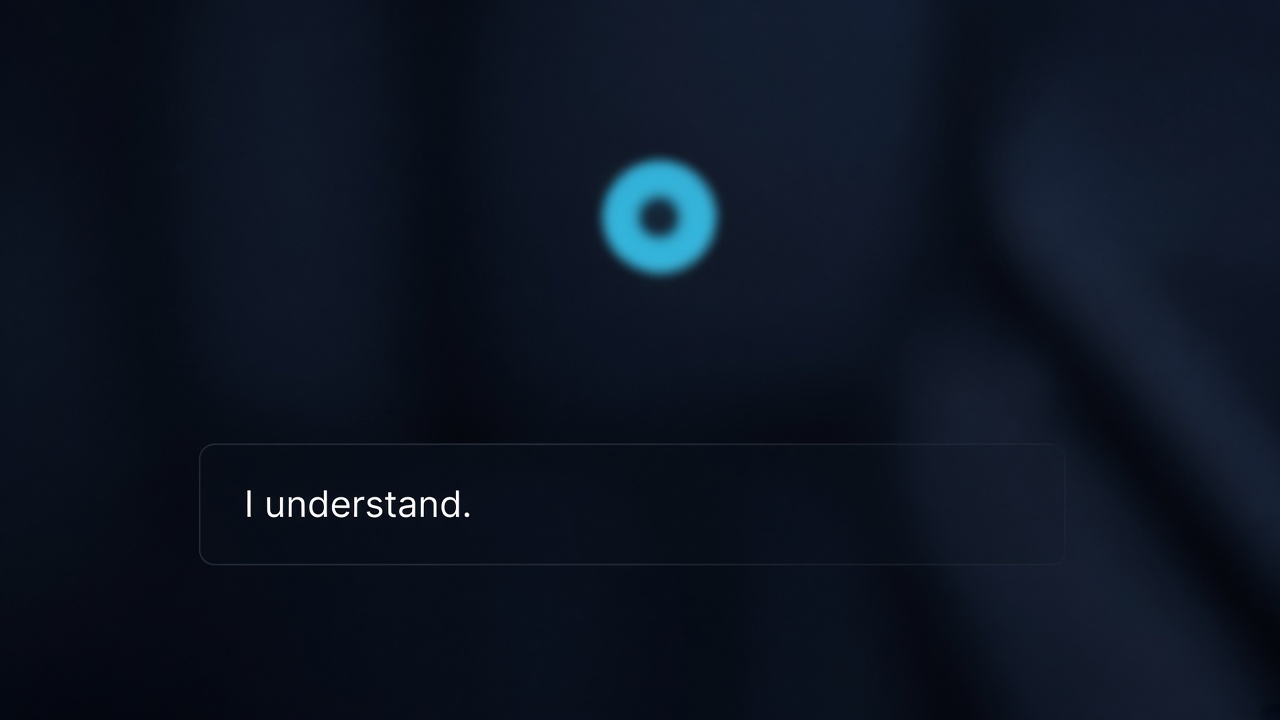
One small overlay. Color tells you the rest. No new suite to learn before your first take.
Stay yours
Your words stay on this PC.
History, vocabulary, and your OpenAI key never leave the machine. It learns names and jargon as you go - or you add them yourself.
Good questions.
Questions
Answer
Will it work in my messages, notes, email, or AI tools?
Yes. Lumina Flow types wherever your cursor is - Cursor, VS Code, Slack, Gmail, Notion, the terminal, ChatGPT. If you can type there, you can dictate there. No plugins.